Google Snake Menu Mod: Search Game or Standalone Page?
A Google Snake menu mod can behave differently depending on where you opened the game. First check the address: a Snake panel inside Google Search is the search-result game; google.com/fbx?fbx=snake_arcade is the separate fbx game page; a community modded site has its own address and runs its own route. If you use the Mod Loader userscript, choose the install variant that matches the page you actually play.
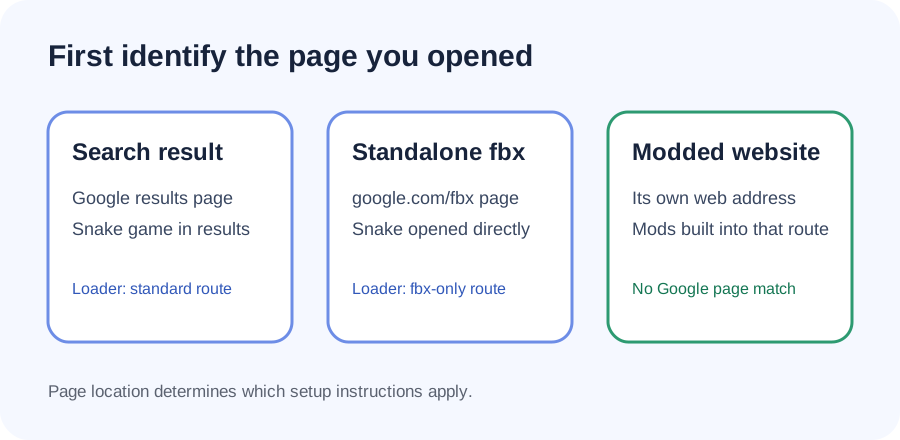
How to tell which Snake you opened
Search-result Snake: you searched Google for Snake or a phrase such as “google snake,” and the game appears in the results page. The game is part of that search page context. A loader intended for the standalone page may not match this location.
Standalone fbx Snake: the address contains Google’s /fbx?fbx=snake_arcade route. The Mod Loader README treats this as a distinct install target and provides an fbx-only variant. This is useful when you launch the game directly rather than through search results.
A modded community website: the address bar shows a community project’s domain rather than Google Search or Google’s fbx address. That page is a separate way to play with mods. The project README calls its built-in-mod website the easier path; you do not need to make a search-result loader attach to the page.
These are setup distinctions, not claims that one location is universally better or that a particular mod currently works in every browser. The actual supported pages and instructions can change, so confirm them in the project documentation before installing.
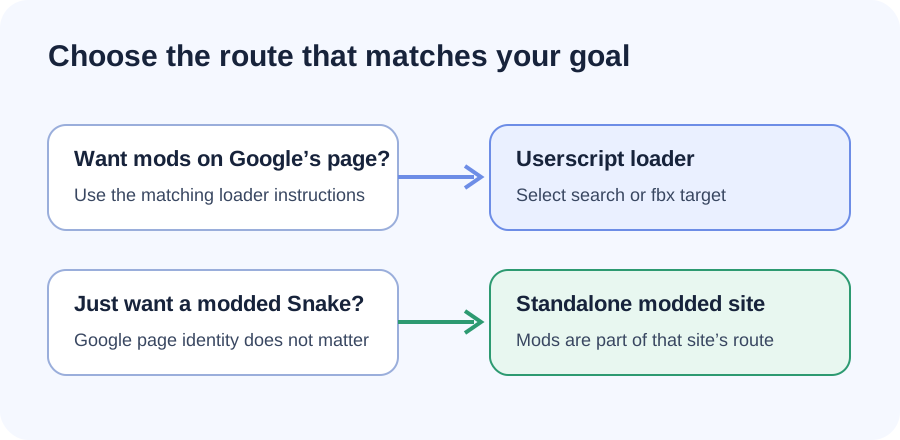
Match the loader to your launch path
The Google Snake Mod Loader README groups its instructions by where the player opens Snake: the standalone fbx page, common Snake search terms plus fbx, or broader Google search pages. It also notes that some setups need permission on search result pages. Those categories are why “the menu didn’t show” is not enough information to diagnose an install: the game location and the selected script variant both matter.
- Open Snake the same way you normally play it.
- Read the domain and path in the address bar.
- Compare that location with the loader’s current README and select its matching variant.
- For a modded website, follow that site’s instructions instead of installing a loader intended for Google pages.
- If it still fails, recheck the project’s current setup notes and page permissions before trying another copy.
Use links maintained by the project. Avoid repackaged downloads and copied scripts from unrelated pages: they may not be the same project or target the same game route.
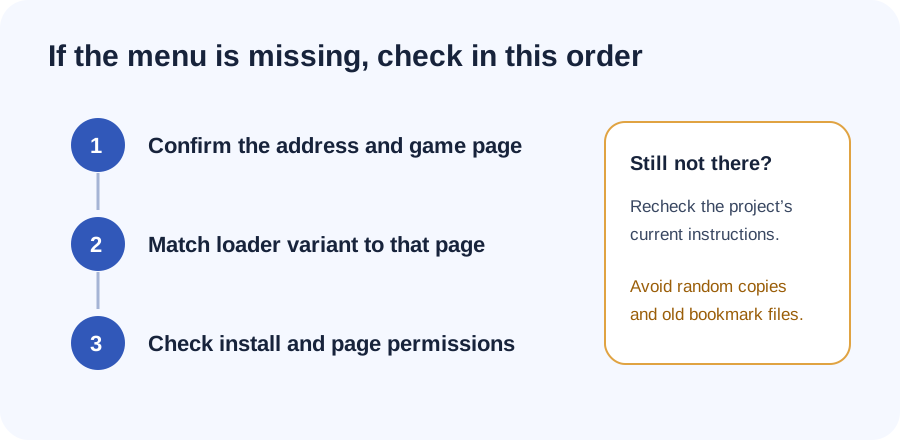
Q&A: “Google Snake Game Mods dont work anymore?”
That question depends on what “mods” and which game page you mean. The More Menu project says the old bookmark no longer works and points readers to its current loader instructions. The loader project separately documents a modded website route and userscript variants for Google game pages. Check your address bar and the maintainer’s current setup for that route; an old bookmark failure does not by itself show that every current mod path has stopped working.
Sources and scope
This guide uses the maintained loader README for its page categories and setup distinction, and the More Menu project for its notice that the old bookmark method is no longer supported. Instructions can change; this is a route-identification guide, not a runtime test of each browser, script, or game version.