Google Snake Menu Mod Bookmarklet: What to Check Before You Click
The “Google Snake Nos Cheat Client” post describes a bookmarklet with speed, visual, and automation toggles, but those are the author’s claims—not a guarantee that every feature works or that the script is safe. A bookmarklet is JavaScript run when you activate it. Before saving one, inspect the code and its source; if you cannot explain what it does, do not run it on a page where you are signed in.
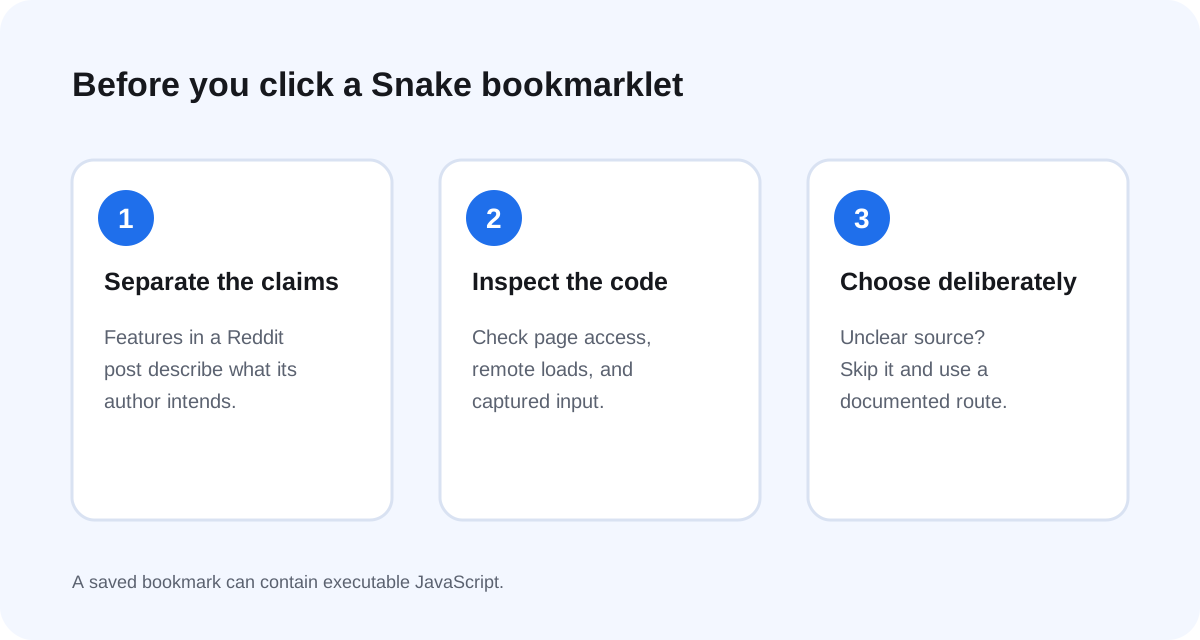
What the Google Snake post says it can do
The roster pointed to a September 11, 2026 post in r/userscripts. The author presents the tool as a bookmarklet, says it has 23 toggles across speed, visual, and automation groups, and describes a speed slider from 0.1× to 6×. The post also says its autopilot is random because it cannot read the board state. Treat these as the author’s description of this project, not independently tested performance claims.
The distinction matters: “no extension required” describes how the author wants users to launch it. It does not mean the code is inert, reviewed by a browser vendor, or isolated from the page. The Reddit post includes a large inline script, so a reader can inspect what was posted; it does not provide a versioned release or a test report that proves the advertised behavior across browsers.
Why a bookmarklet deserves a code check
MDN defines a javascript: URL as a navigation target that executes JavaScript when activated, and warns that it can run arbitrary code. In other words, this is not just a saved link to a Google Snake page. The script runs because you click it, and its effect depends on the code and the page you are viewing.
That is why a themed interface, a long feature list, or a “click again to close” promise is not a security review. Check whether the code is readable enough to understand, whether it loads more code from a remote address, and whether its actions fit the advertised job. If the script is minified into one dense line and you cannot trace it, the practical answer is to skip it.
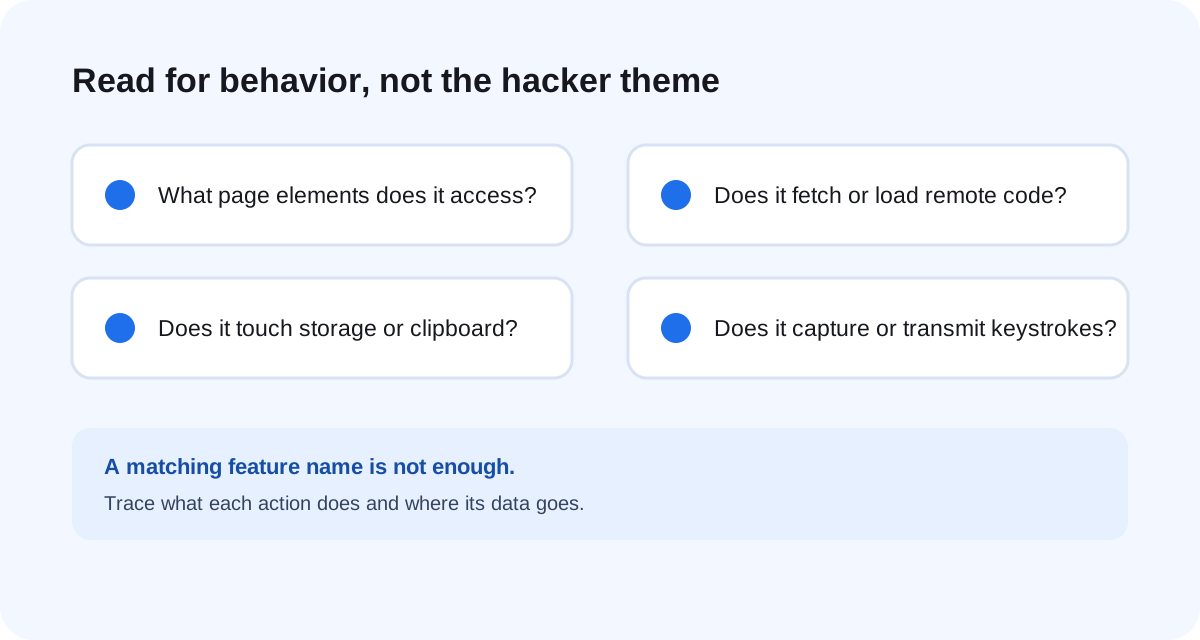
What this specific post does—and does not—establish
The author explains the design as changing timing for speed, applying CSS effects for visuals, and sending simulated key presses for automation. The author also says the game state is not accessible to the script. Those statements make the random autopilot claim understandable, but they do not prove the tool is harmless, compatible with your browser, or maintained. The code may still read or change the current page to draw its panel and apply effects.
Do not infer more than the post shows. A claim that a toggle exists does not tell you how it behaves in a current Google Snake build. A “key logger” listed as a curiosity feature deserves special scrutiny: read exactly what it records and where it displays or sends data before running it. If that behavior is unclear, do not click the bookmarklet.
A safer decision path
- Open the original post and check that the code you are reviewing is the same code you would save. Avoid third-party copies and shortened links.
- Search the script for network requests, dynamic script loading, storage access, clipboard access, and handlers that capture keystrokes. Understand each match in context; a keyword alone does not prove malicious behavior.
- Do not test unknown JavaScript while signed in to email, banking, or another sensitive site. If you cannot review the code, choose a route maintained by a project whose repository and instructions you can inspect.
- If you already saved it, Chrome’s Bookmark Manager lets you edit or delete the bookmark. Remove it if the saved URL does not match the source you intended to trust.
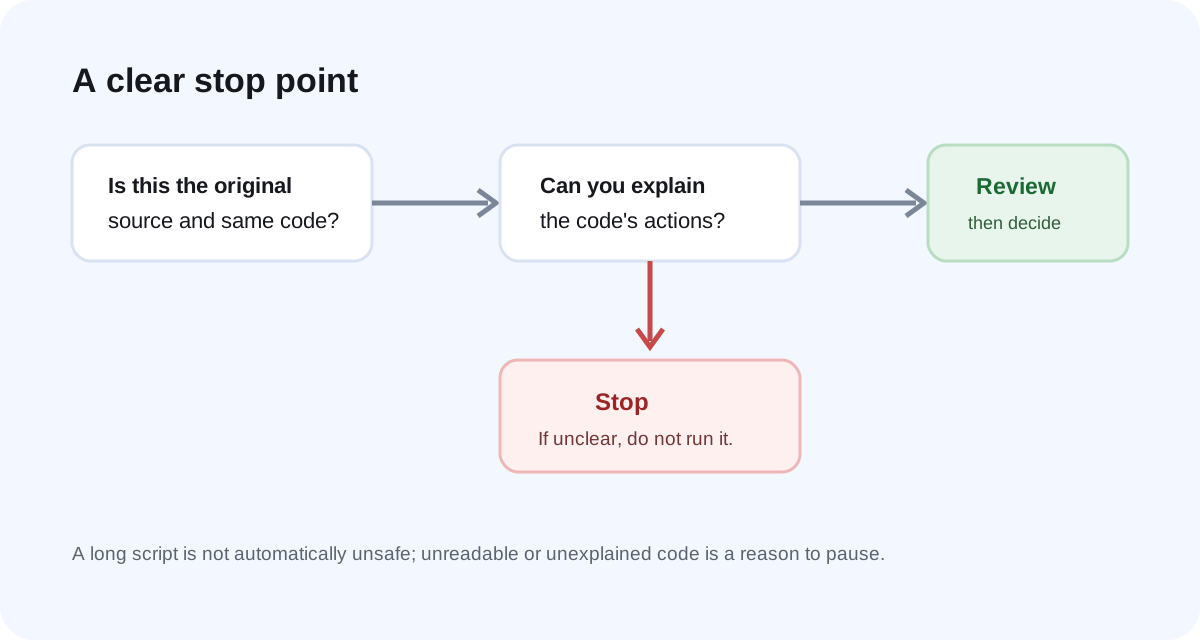
Quick answer: can this Google Snake menu mod read the board?
The post’s author says it cannot read the game board and describes the autopilot as random. That is the author’s stated limitation, not a guarantee about every script copy or future revision. The practical check is the exact code you saved: if it is not the same as the original post, or you cannot inspect what it does, do not assume it shares the same limits.
Frequently asked questions
Is a bookmarklet the same as a normal bookmark?
No. A normal bookmark opens a page. A javascript: bookmarklet runs JavaScript when activated, so its URL contains executable code rather than only a destination.
Does “no extension” mean the Snake bookmarklet is safe?
No. It means the author’s launch method uses a bookmark. Safety depends on the exact script and the page where it runs; the label alone does not establish either.
What if I cannot understand the pasted code?
Do not run it. Use a route whose source and installation instructions you can review. For a route comparison, see our Google Snake menu mod guide; for a missing panel, see these troubleshooting checks.